
Documentation
APIWORX Docs
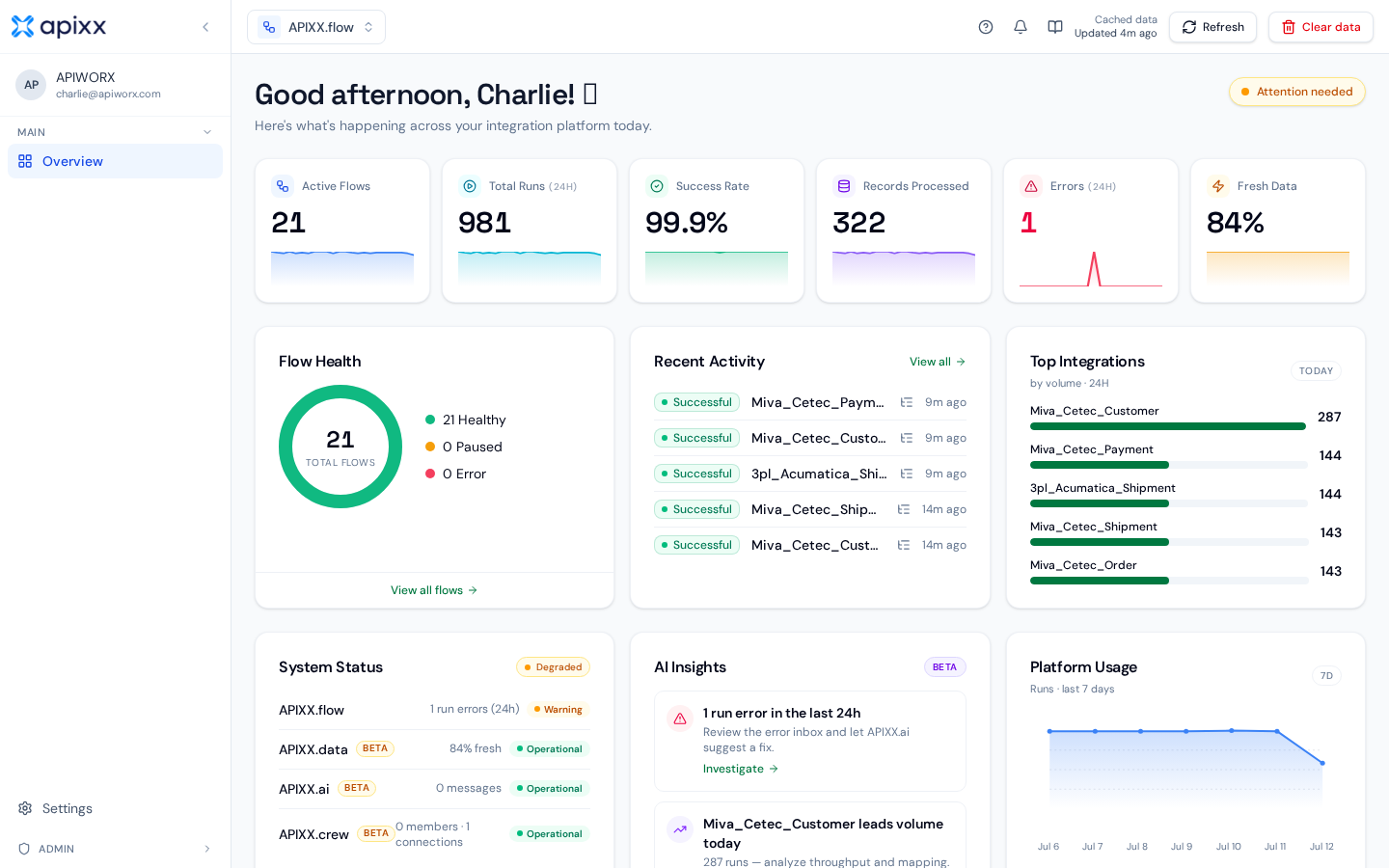
APIWORX is organized into four peer modules — Flow, Data, AI, and Crew. Each has its own overview below. Operations, developer reference, and help topics are shared across all modules.
Modules
APIWORX.flow
PipelinesDesign, schedule, and monitor managed integration pipelines between every business system you run.
- Connectors, schedules, filters, mappings
- Runs, retries, SLOs, error inbox
- Dashboards for throughput and health
APIWORX.data
Canonical layerOne normalized, deduplicated view of your entities — customers, orders, products — with full provenance back to every source row.
- Canonical schema and versioning
- Mapping console, coverage, quality
- Read API and per-field provenance
APIWORX.ai
IntelligenceOperational intelligence over your flows and data — structured, evidence-backed analyses with confidence scores.
- Ask why-questions in plain language
- Watchtower continuous health scan
- Save queries as notifications
APIWORX.crew
WorkforceDesign AI automations, test them safely, and monitor runs from the Dashboard.
- Dashboard, Automations, Chat
- Connectors (catalog) vs Connections (authenticated)
- Admin allowlist for exposed connectors
Get started
Flow deep dives
Operations & admin
Developer reference & help
API Reference
REST endpoints for flows, runs, connectors, and canonical data.
MCP Server
Connect AI assistants to APIWORX with the Model Context Protocol.
Webhooks
Subscribe to events with HMAC-signed callbacks and retries.
Troubleshooting
Diagnose degraded connectors, failed runs, drift, and quota errors.
Need a human?
Your APIWORX implementation team is on Slack, or email support@apixx.io. Check Status in the footer for active incidents.